> ## Documentation Index
> Fetch the complete documentation index at: https://wb-21fd5541-docs-sandboxes-integrations-placement.mintlify.site/llms.txt
> Use this file to discover all available pages before exploring further.
> Integrate W&B with PaddleOCR to track OCR model training, log recognition metrics, and visualize predictions.
# PaddleOCR
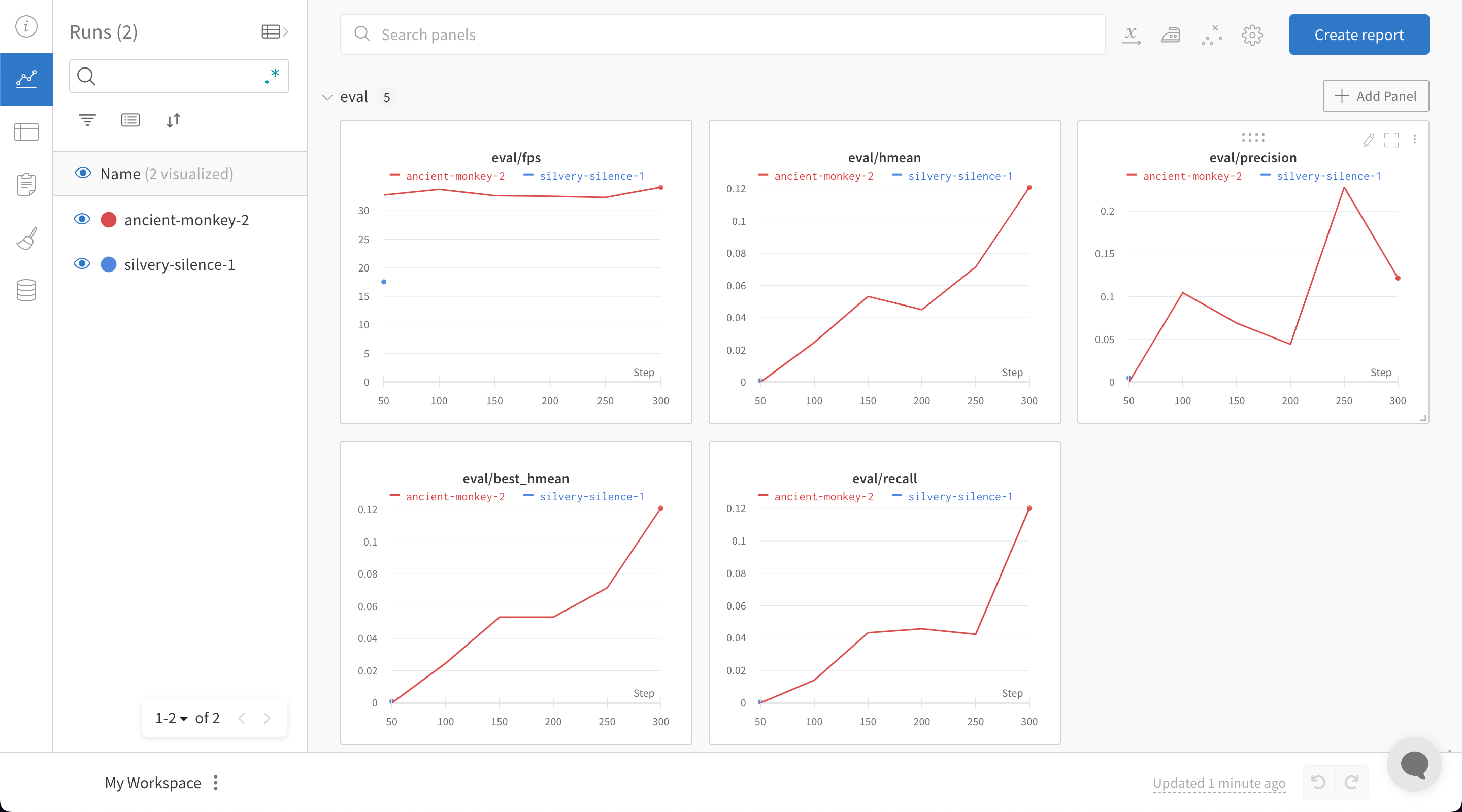
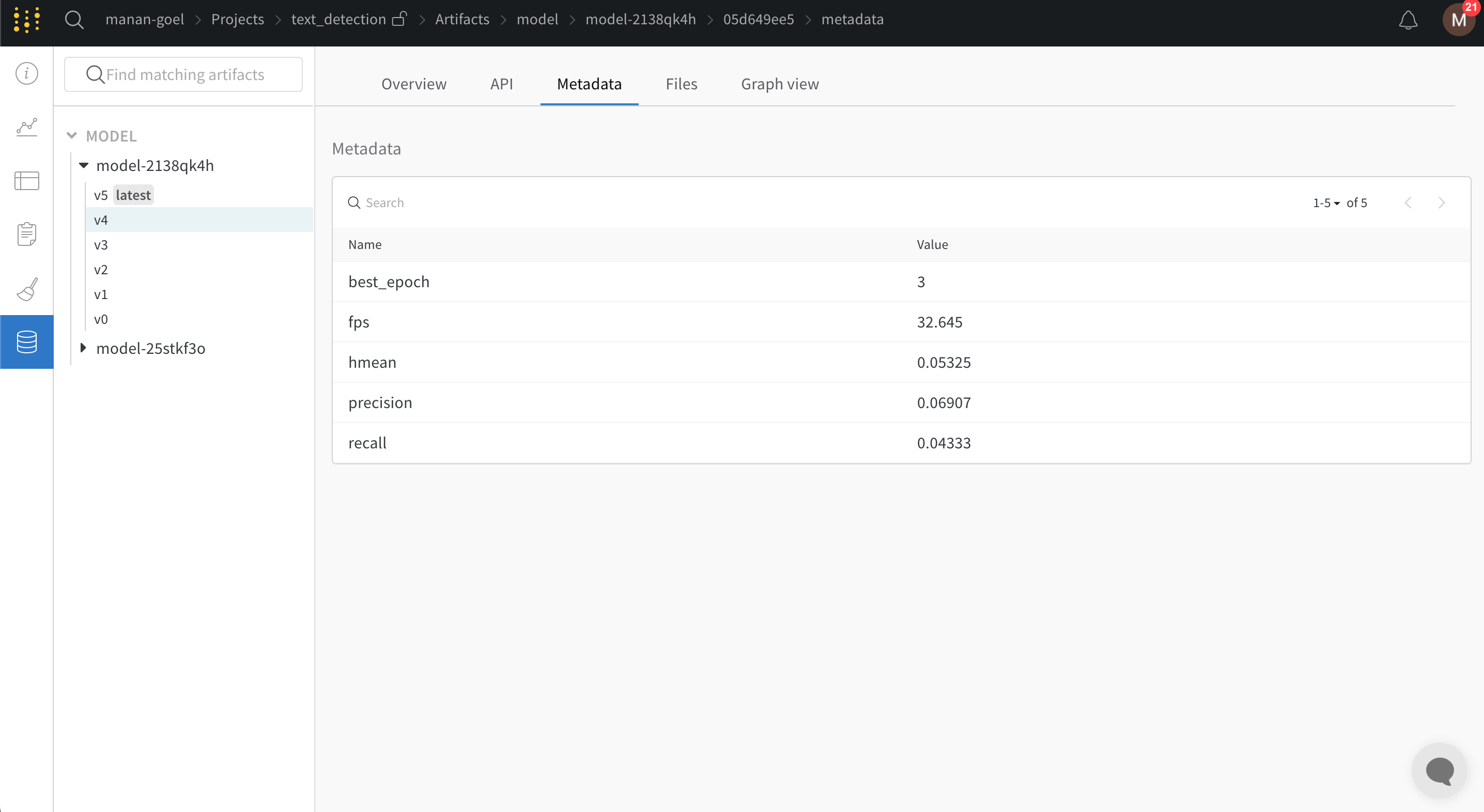
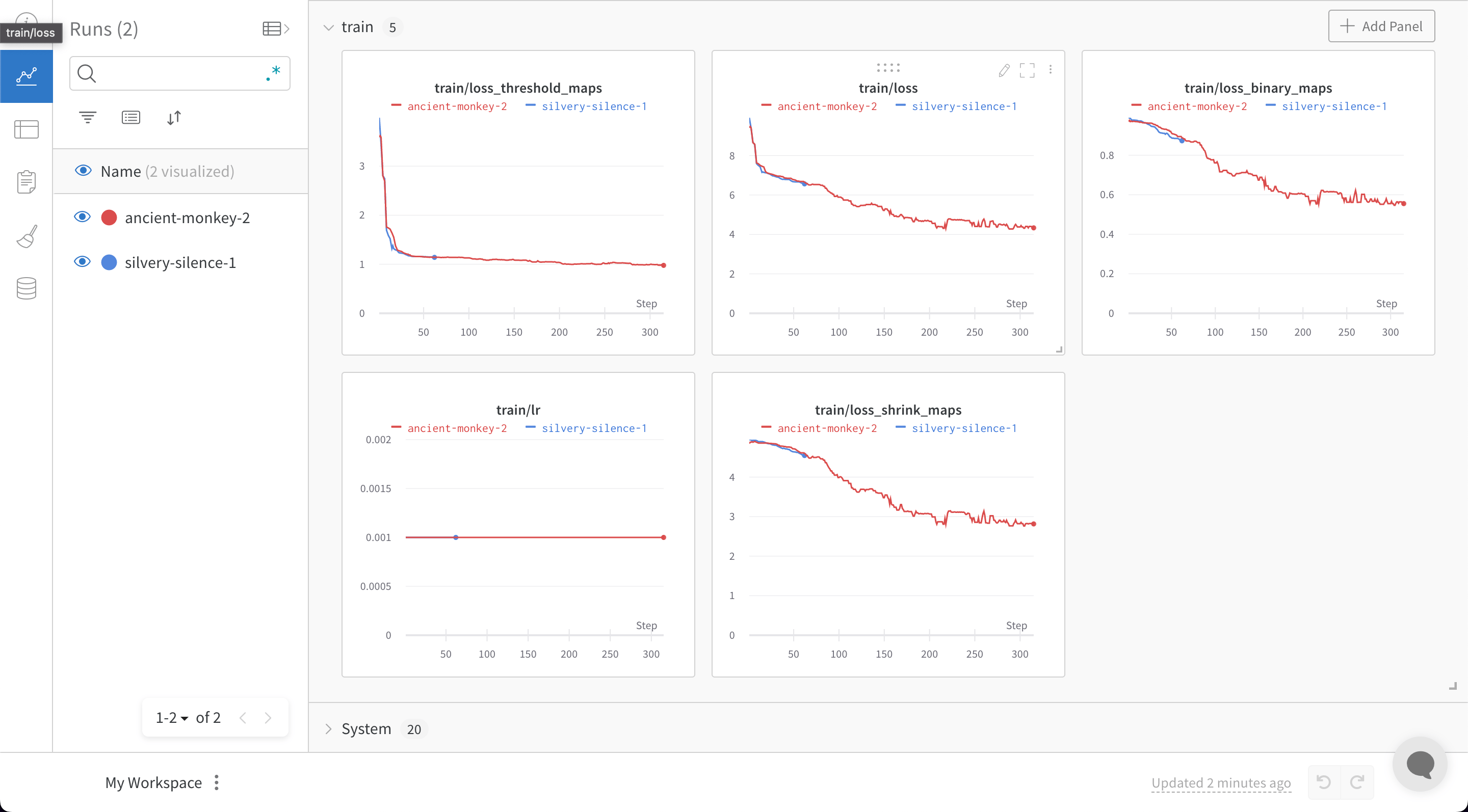
[PaddleOCR](https://github.com/PaddlePaddle/PaddleOCR) aims to create multilingual, awesome, leading, and practical OCR tools that help users train better models and apply them into practice implemented in PaddlePaddle. PaddleOCR support a variety of cutting-edge algorithms related to OCR, and developed industrial solution. PaddleOCR now comes with a W\&B integration for logging training and evaluation metrics along with model checkpoints with corresponding metadata.
## Example blog & Colab
[Read here](https://wandb.ai/manan-goel/text_detection/reports/Train-and-Debug-Your-OCR-Models-with-PaddleOCR-and-W-B--VmlldzoyMDUwMDIw) to see how to train a model with PaddleOCR on the ICDAR2015 dataset. This also comes with a [Google Colab](https://colab.research.google.com/drive/1id2VTIQ5-M1TElAkzjzobUCdGeJeW-nV?usp=sharing) and the corresponding live W\&B dashboard is available [here](https://wandb.ai/manan-goel/text_detection). There is also a Chinese version of this blog here: [W\&B对您的OCR模型进行训练和调试](https://wandb.ai/wandb_fc/chinese/reports/W-B-OCR---VmlldzoyMDk1NzE4)
## Sign up and create an API key
An API key authenticates your machine to W\&B. You can generate an API key from your user profile.
For a more streamlined approach, go to [User Settings](https://wandb.ai/settings) and create an API key. Copy the API key immediately and save it in a secure location such as a password manager.
1. Click your user profile icon in the upper right corner.
2. Select **User Settings**, then scroll to the **API Keys** section.
## Install the `wandb` library and log in
To install the `wandb` library locally and log in:
1. Set the `WANDB_API_KEY` [environment variable](/models/track/environment-variables/) to your API key.
```bash theme={null}
export WANDB_API_KEY=
```
2. Install the `wandb` library and log in.
```shell theme={null}
pip install wandb
wandb login
```
```bash theme={null}
pip install wandb
```
```python theme={null}
import wandb
wandb.login()
```
```notebook theme={null}
!pip install wandb
import wandb
wandb.login()
```
## Add wandb to your `config.yml` file
PaddleOCR requires configuration variables to be provided using a yaml file. Adding the following snippet at the end of the configuration yaml file will automatically log all training and validation metrics to a W\&B dashboard along with model checkpoints:
```python theme={null}
Global:
use_wandb: True
```
Any additional, optional arguments that you might like to pass to [`wandb.init()`](/models/ref/python/functions/init) can also be added under the `wandb` header in the yaml file:
```
wandb:
project: CoolOCR # (optional) this is the wandb project name
entity: my_team # (optional) if you're using a wandb team, you can pass the team name here
name: MyOCRModel # (optional) this is the name of the wandb run
```
## Pass the `config.yml` file to `train.py`
The yaml file is then provided as an argument to the [training script](https://github.com/PaddlePaddle/PaddleOCR/blob/release/2.5/tools/train.py) available in the PaddleOCR repository.
```bash theme={null}
python tools/train.py -c config.yml
```
Once you run your `train.py` file with W\&B turned on, a link will be generated to bring you to your W\&B dashboard:
 ## Feedback or issues
If you have any feedback or issues about the W\&B integration, open an issue on the [PaddleOCR GitHub](https://github.com/PaddlePaddle/PaddleOCR) or email [support@wandb.com](mailto:support@wandb.com).
## Feedback or issues
If you have any feedback or issues about the W\&B integration, open an issue on the [PaddleOCR GitHub](https://github.com/PaddlePaddle/PaddleOCR) or email [support@wandb.com](mailto:support@wandb.com).