> ## Documentation Index
> Fetch the complete documentation index at: https://wb-21fd5541-docs-sandboxes-integrations-placement.mintlify.site/llms.txt
> Use this file to discover all available pages before exploring further.
> PaddleOCR を W&B と統合して、OCR モデルのトレーニングをトラッキングし、認識メトリクスをログして、予測を可視化します。
# PaddleOCR
[PaddleOCR](https://github.com/PaddlePaddle/PaddleOCR) は、PaddlePaddle で実装され、ユーザーがより優れたモデルをトレーニングして実運用に活用できるよう支援する、多言語対応の高機能で先進的かつ実用的な OCR ツールの開発を目指しています。PaddleOCR は、OCR に関連するさまざまな最先端アルゴリズムをサポートしており、産業向けソリューションも開発してきました。現在の PaddleOCR には、トレーニングおよび評価のメトリクスに加え、対応するメタデータ付きのモデル チェックポイントをログするための W\&B インテグレーションが用意されています。
## ブログと Colab の例
[こちら](https://wandb.ai/manan-goel/text_detection/reports/Train-and-Debug-Your-OCR-Models-with-PaddleOCR-and-W-B--VmlldzoyMDUwMDIw)では、PaddleOCR を使って ICDAR2015 データセットでモデルをトレーニングする方法を紹介しています。あわせて [Google Colab](https://colab.research.google.com/drive/1id2VTIQ5-M1TElAkzjzobUCdGeJeW-nV?usp=sharing) も用意されており、対応するライブの W\&B ダッシュボードは [こちら](https://wandb.ai/manan-goel/text_detection) から利用できます。なお、このブログの中国語版もあります: [W\&B对您的OCR模型进行训练和调试](https://wandb.ai/wandb_fc/chinese/reports/W-B-OCR---VmlldzoyMDk1NzE4)
## サインアップしてAPIキーを発行する
APIキーは、マシンをW\&Bに認証するために使用します。APIキーはユーザープロフィールから発行できます。
より手早く行うには、[User Settings](https://wandb.ai/settings) にアクセスしてAPIキーを作成してください。APIキーはすぐにコピーし、パスワードマネージャーなどの安全な場所に保存してください。
1. 右上にあるユーザープロフィールアイコンをクリックします。
2. **User Settings** を選択し、**API Keys** セクションまでスクロールします。
## `wandb` ライブラリをインストールしてログインする
`wandb` ライブラリをローカルにインストールしてログインするには、次の手順に従います。
1. `WANDB_API_KEY` [環境変数](/ja/models/track/environment-variables/) に APIキーを設定します。
```bash theme={null}
export WANDB_API_KEY=
```
2. `wandb` ライブラリをインストールしてログインします。
```shell theme={null}
pip install wandb
wandb login
```
```bash theme={null}
pip install wandb
```
```python theme={null}
import wandb
wandb.login()
```
```notebook theme={null}
!pip install wandb
import wandb
wandb.login()
```
## `config.yml` ファイルに wandb を追加する
PaddleOCR では、設定変数を YAML ファイルで指定する必要があります。設定用 YAML ファイルの末尾に次のスニペットを追加すると、すべてのトレーニングおよび検証メトリクスが、モデル チェックポイントとともに W\&B ダッシュボードへ自動的にログされます。
```python theme={null}
Global:
use_wandb: True
```
[`wandb.init()`](/ja/models/ref/python/functions/init) に渡したい追加のオプション引数は、yaml ファイルの `wandb` ヘッダー配下にも追加できます。
```
wandb:
project: CoolOCR # (optional) wandb プロジェクト名
entity: my_team # (optional) wandb チームを使用している場合、チーム名をここに指定できます
name: MyOCRModel # (optional) wandb run の名前
```
## `config.yml` ファイルを `train.py` に渡す
この YAML ファイルは、PaddleOCR リポジトリにある[トレーニングスクリプト](https://github.com/PaddlePaddle/PaddleOCR/blob/release/2.5/tools/train.py)に引数として渡されます。
```bash theme={null}
python tools/train.py -c config.yml
```
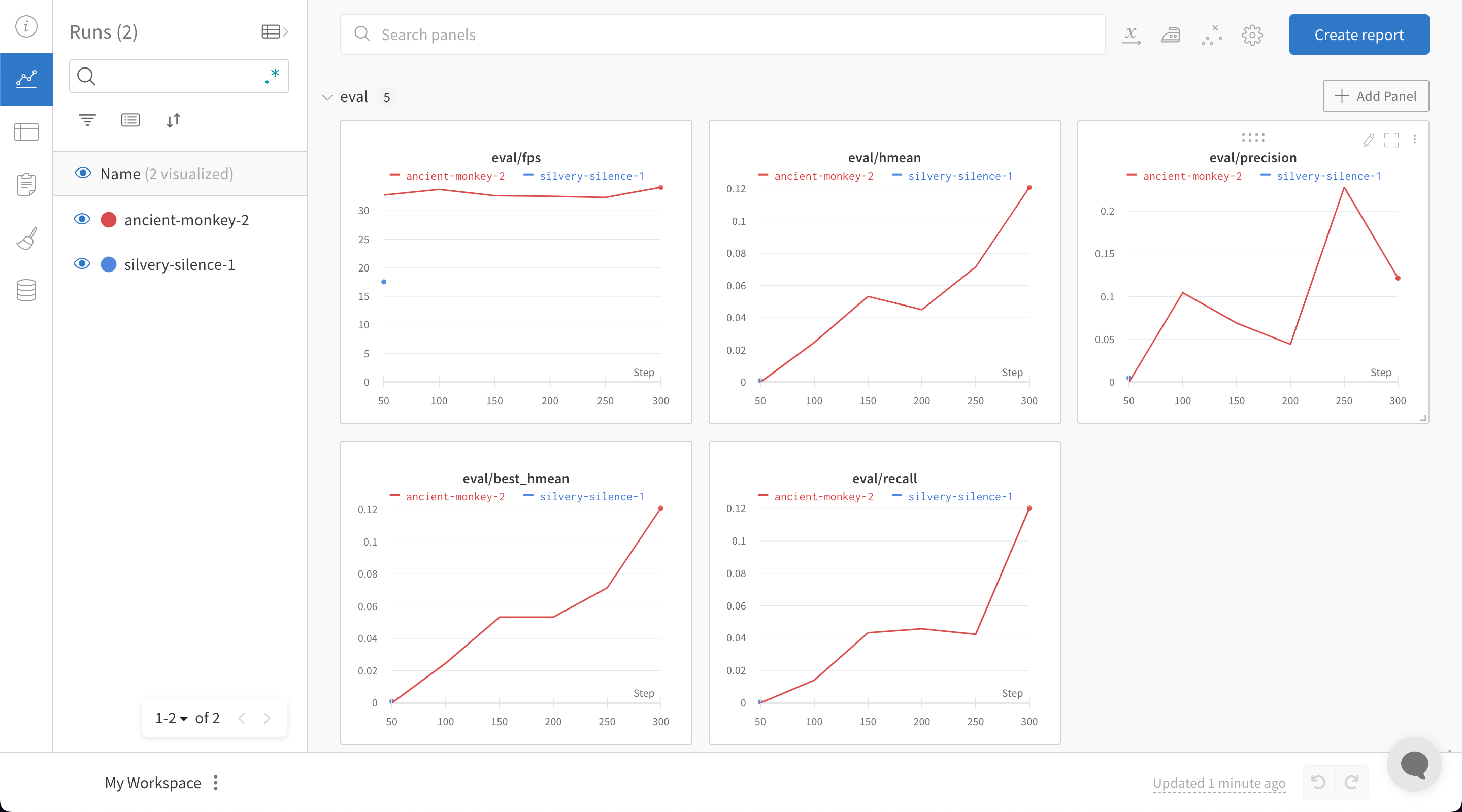
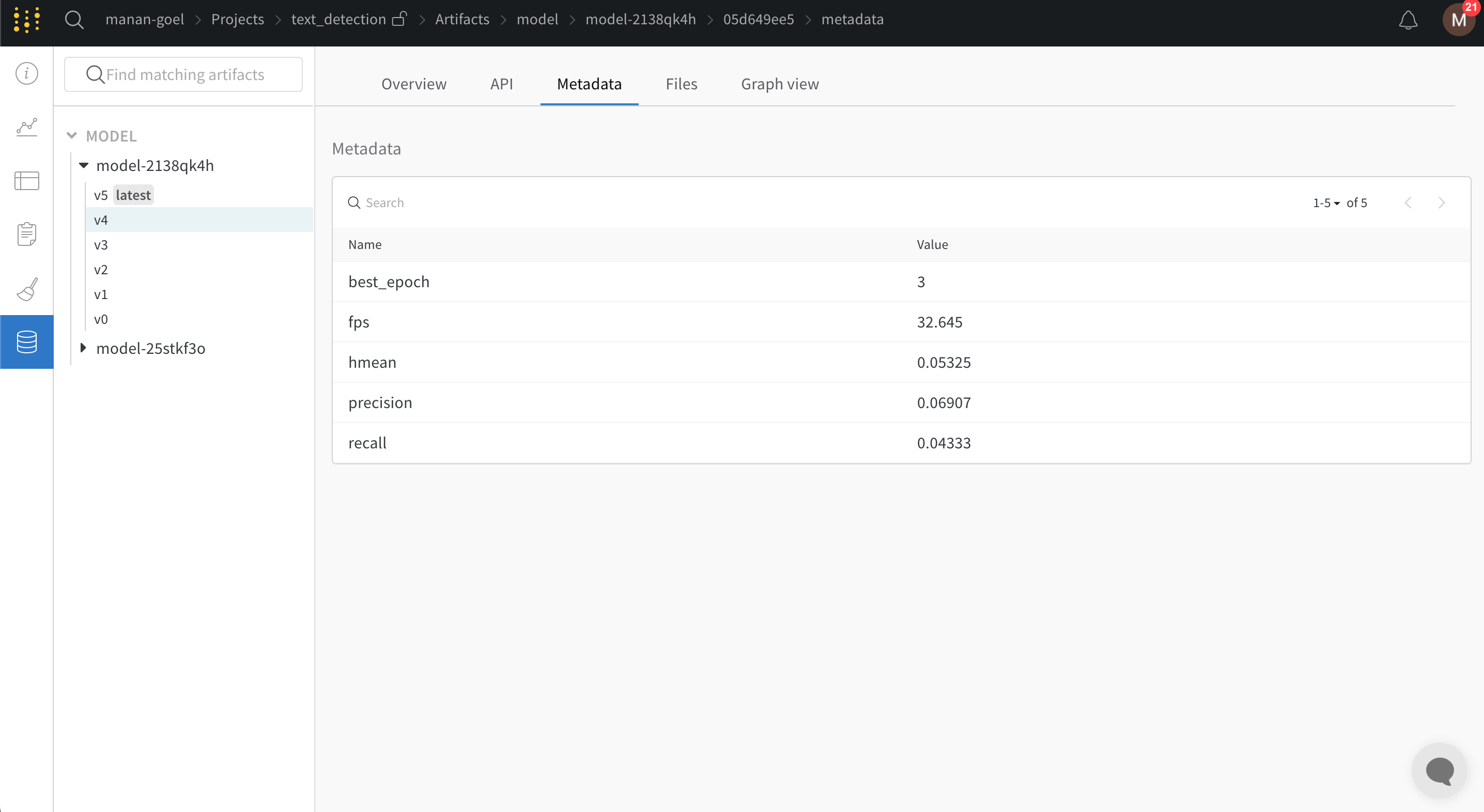
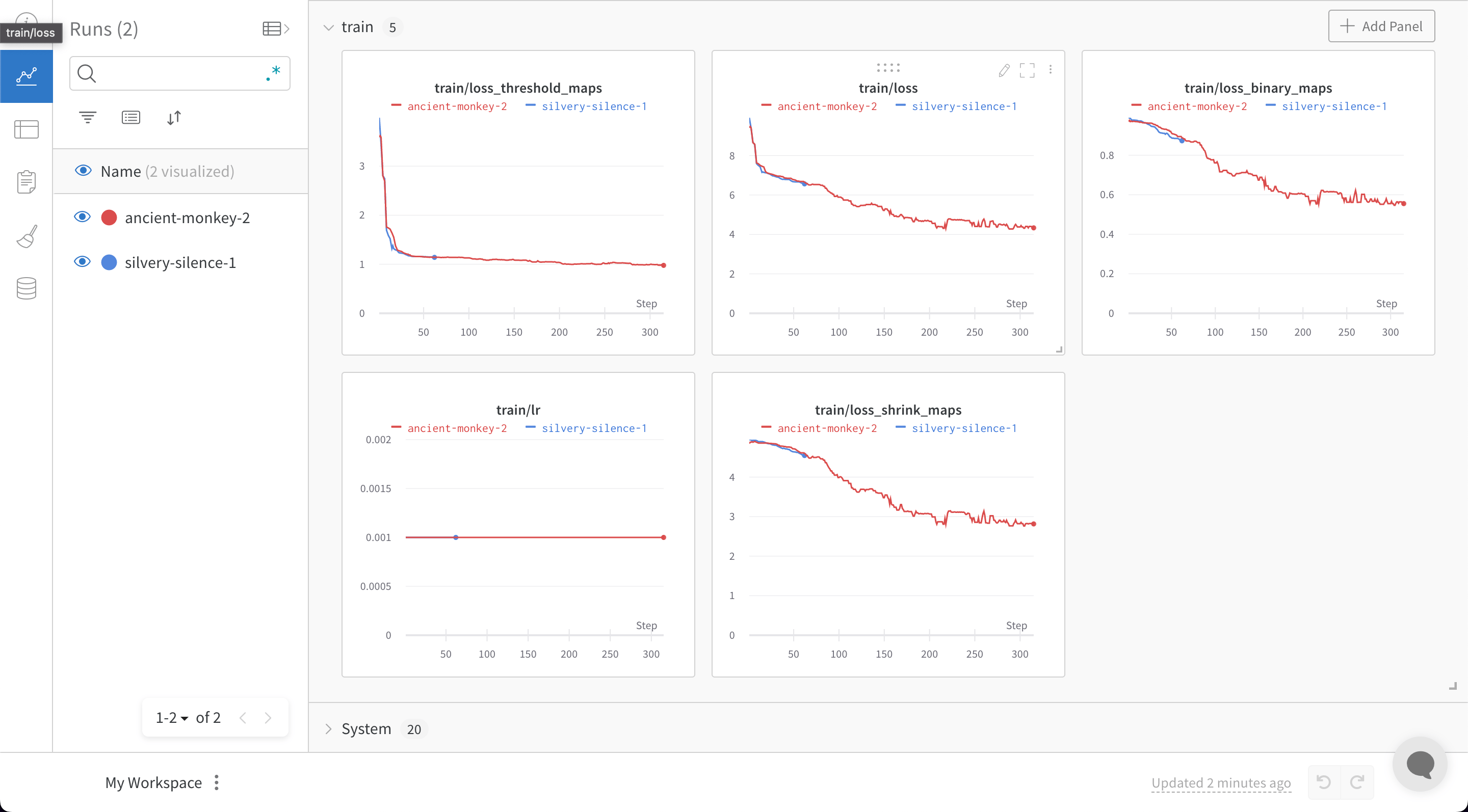
`train.py` ファイルを W\&B を有効にして実行すると、W\&B ダッシュボードに移動するリンクが生成されます。
## フィードバックや問題
W\&B インテグレーションについてフィードバックや問題がある場合は、[PaddleOCR GitHub](https://github.com/PaddlePaddle/PaddleOCR) で issue を登録するか、[support@wandb.com](mailto:support@wandb.com) までメールでご連絡ください。